Highlights Jun 12, 2026 • Nayda Cattin
The first time you practice a maneuver in an airplane, the clock does not stop while you think. The aircraft keeps moving. Radio calls continue. Wind, traffic, engine noise, checklists, and visual references all compete for attention.
Flight simulator practice gives you a quieter first look at that workload. At Cirrus Aviation, our “Say It, Sim It, Fly It” method connects three parts of a lesson: understand the idea, practice the sequence in simulation, and then apply it in the aircraft.
The simulator is not a replacement for flying. It is where a new procedure can become familiar before the airplane makes it real.
Say It: Build a Mental Picture Before Touching the Controls
A useful lesson begins with more than a demonstration. Before you fly a maneuver, you should understand what you are trying to accomplish, what the correct picture looks like, and what deserves your attention first.
Imagine a lesson on flying a stabilized approach. During the “Say It” stage, your instructor may walk through:
- The target airspeed and aircraft configuration
- The visual picture you are working to maintain
- The sequence of power, pitch, trim, and checklist actions
- The cues that show the approach is becoming unstable
- The point at which a go-around becomes the right decision
Talking through the sequence helps reveal gaps early. If the order is unclear while sitting still, adding an aircraft will not make it clearer. This is also where your instructor can connect today’s objective to your broader flight training path.
The goal is not memorized choreography. It is a mental model strong enough to guide your attention when the workload increases.
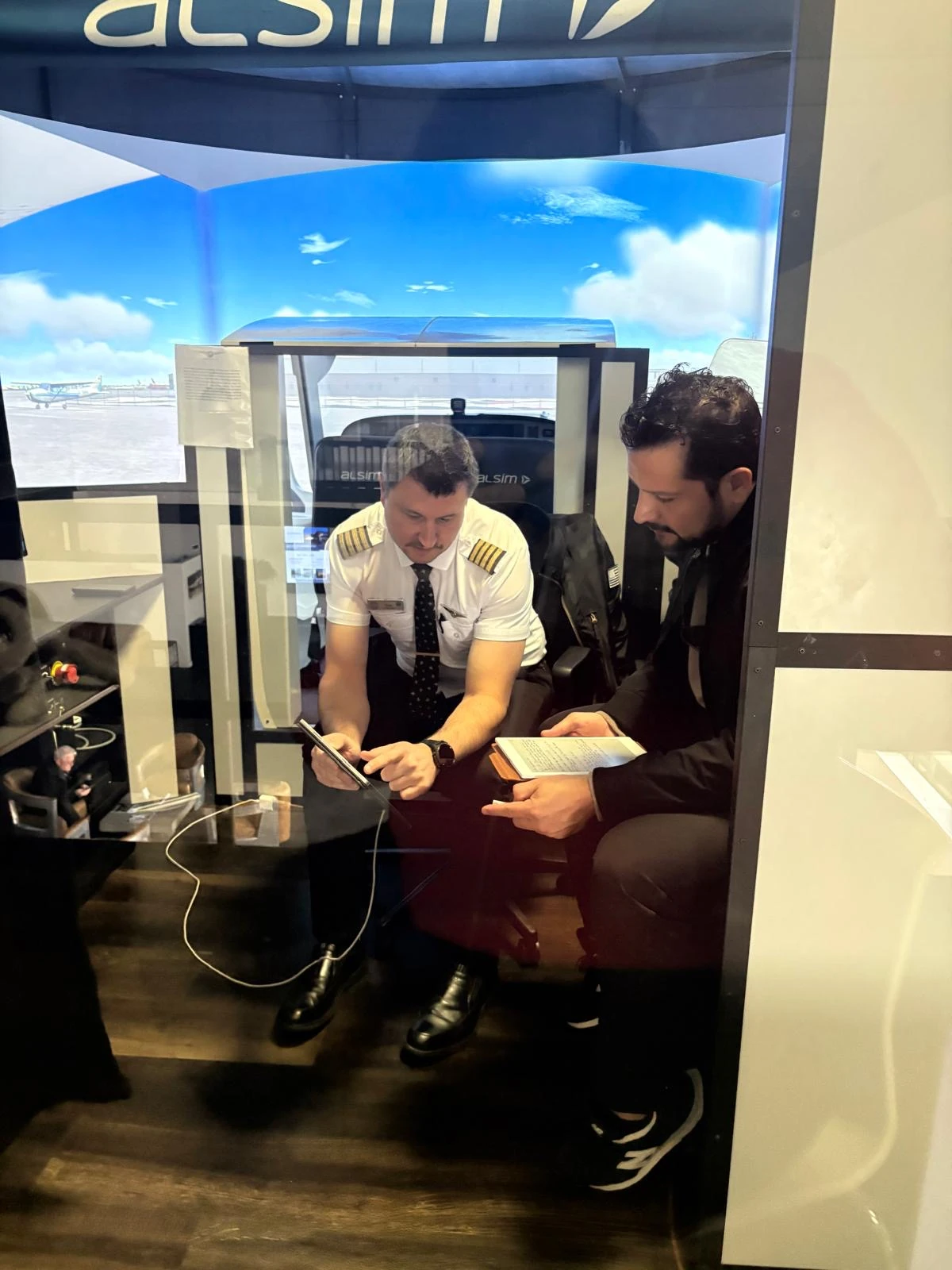
The lesson starts with a shared picture of the objective, sequence, and standards before either cockpit begins moving.
Sim It: Turn the Sequence Into Focused Practice
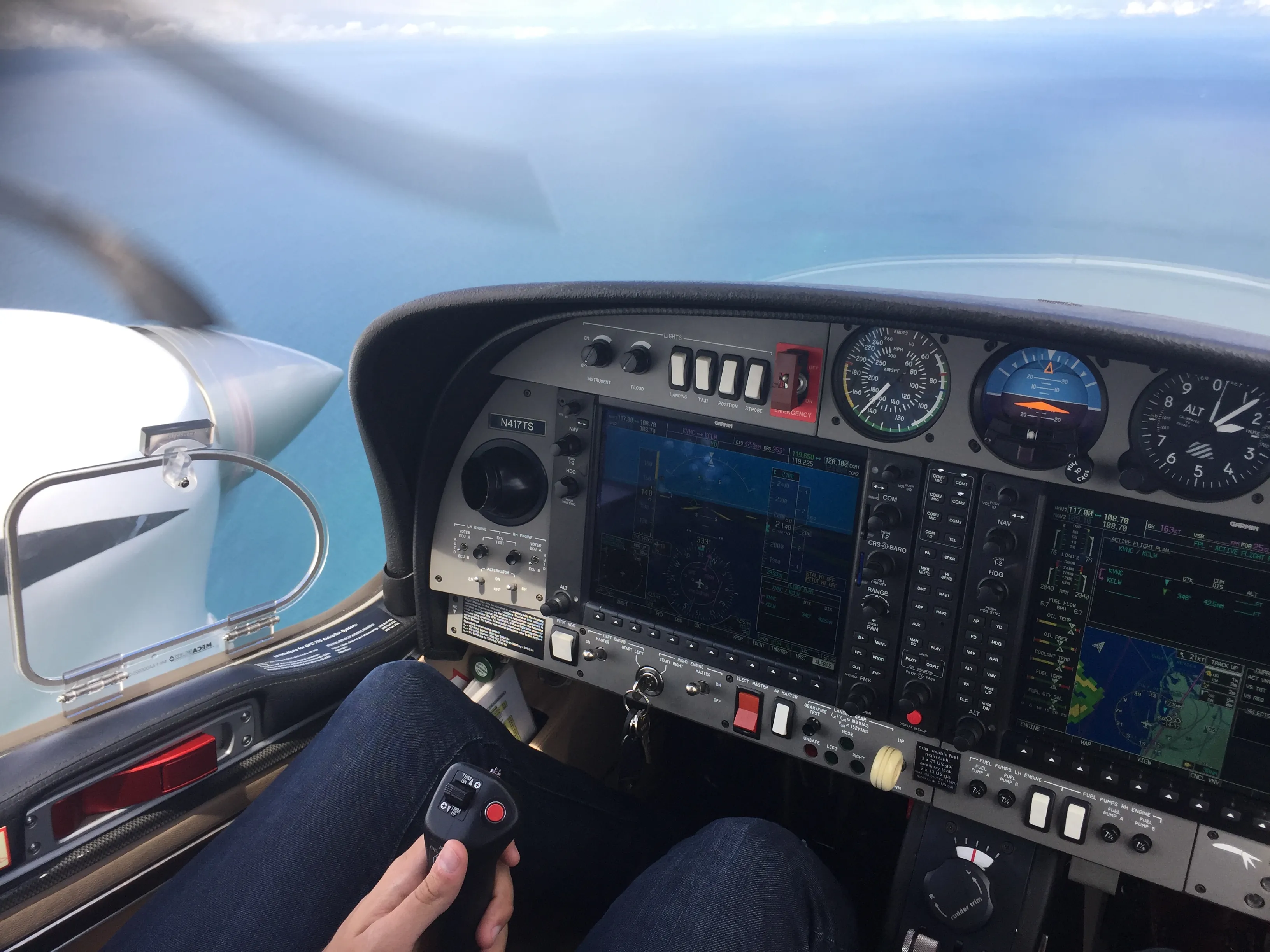
In the simulator, the lesson becomes active without adding every demand of real flight at once. You can see the instruments, operate the controls, make decisions, and practice callouts while your instructor watches how the pieces come together.
The practical advantage is control over the learning moment. We can pause, reset, reposition, and repeat. If your airspeed begins to drift on final, the instructor can stop the scenario and help you identify what happened. If the setup was rushed, you can return to an earlier point and rebuild it.
That repetition is especially useful when the problem is not understanding one control, but coordinating several actions in the right order. Instead of spending part of the lesson taxiing and traveling to a practice area before reaching the learning objective, a simulator scenario can begin close to the moment you need to practice.
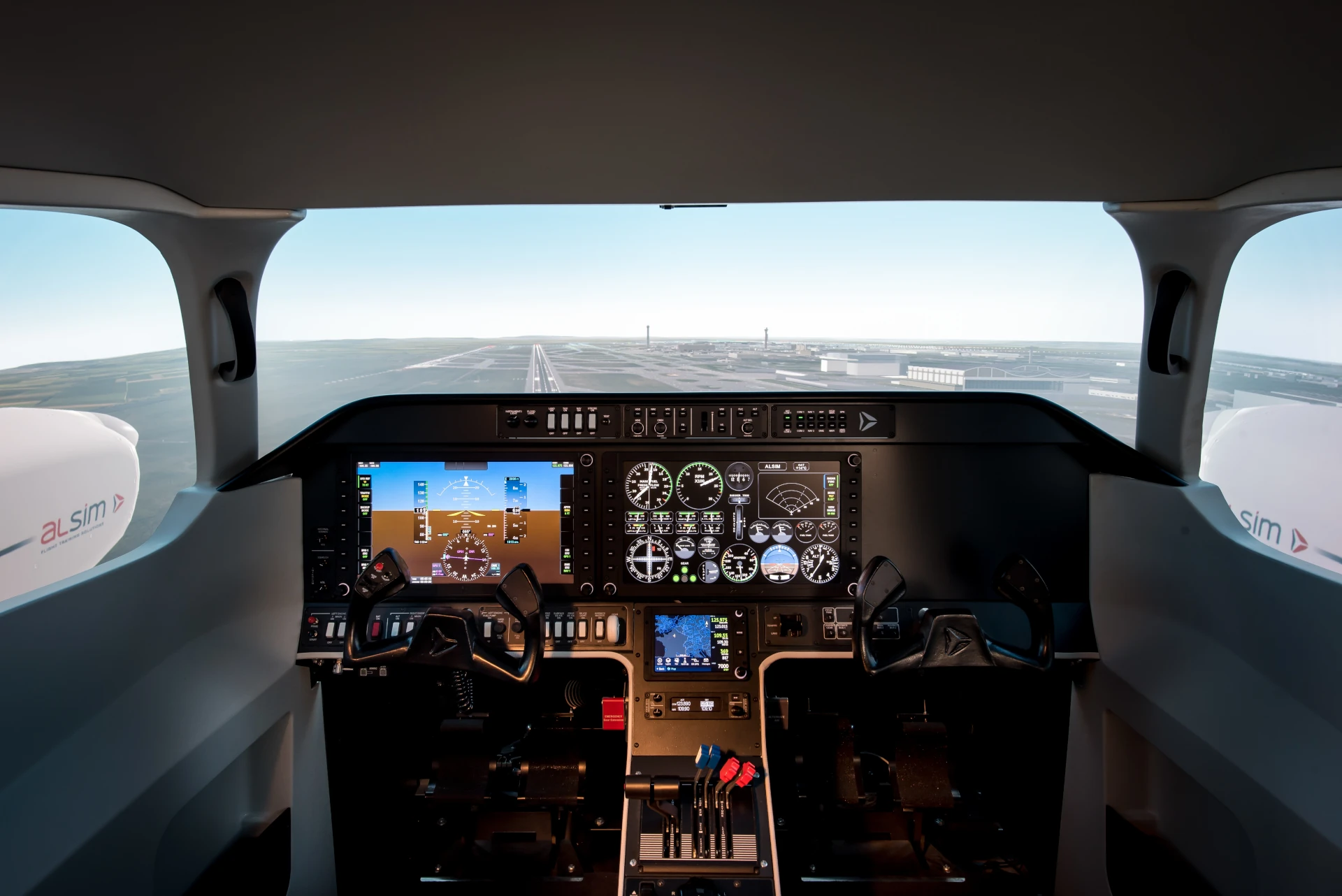
Our Flight Simulator Lab in Sarasota gives students a place to work on procedures, instrument scan, avionics, and decision-making with direct instructor feedback.

Simulator practice lets a student repeat the same sequence and receive feedback while the details are still fresh.
Fly It: Add the Parts a Simulator Cannot Reproduce
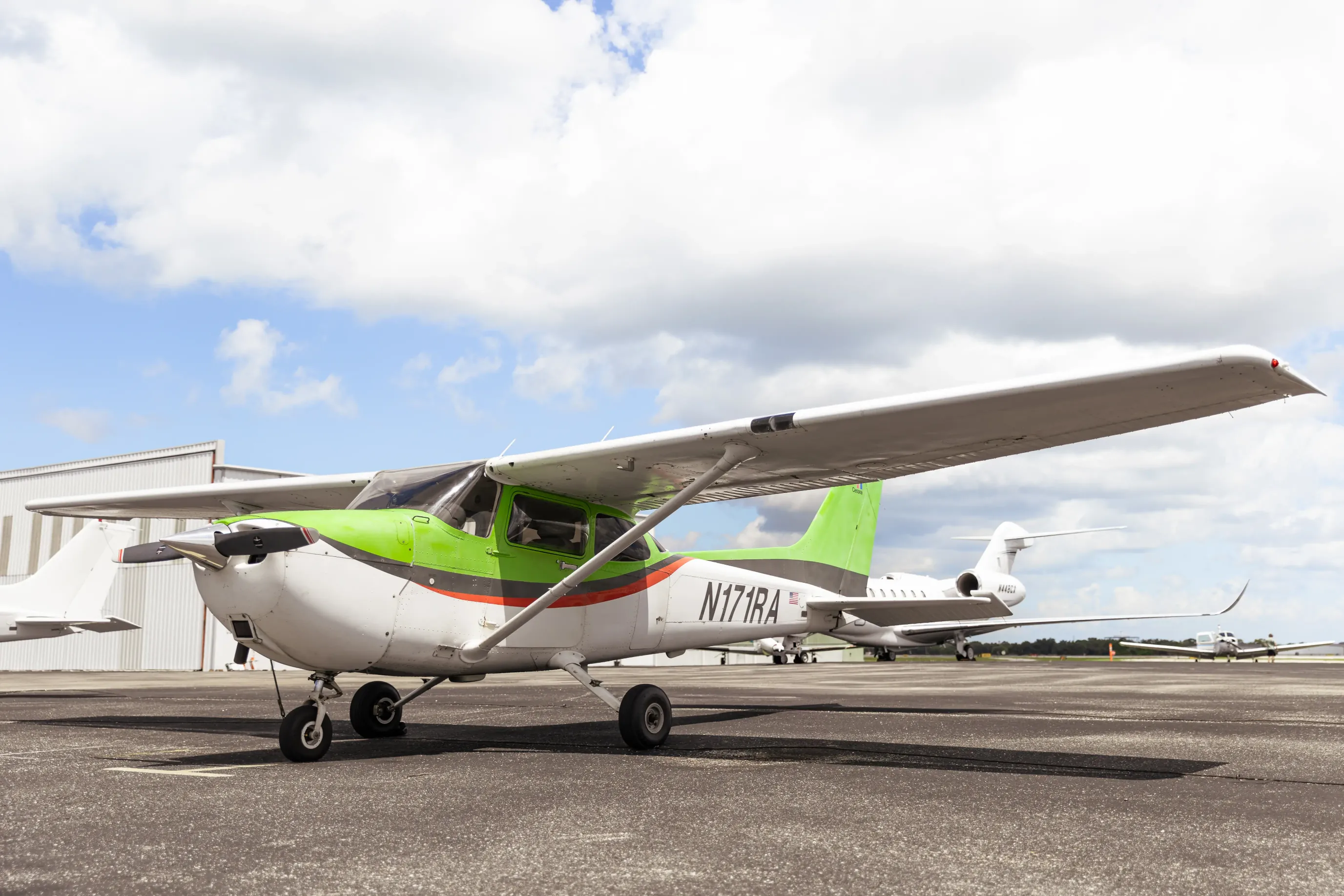
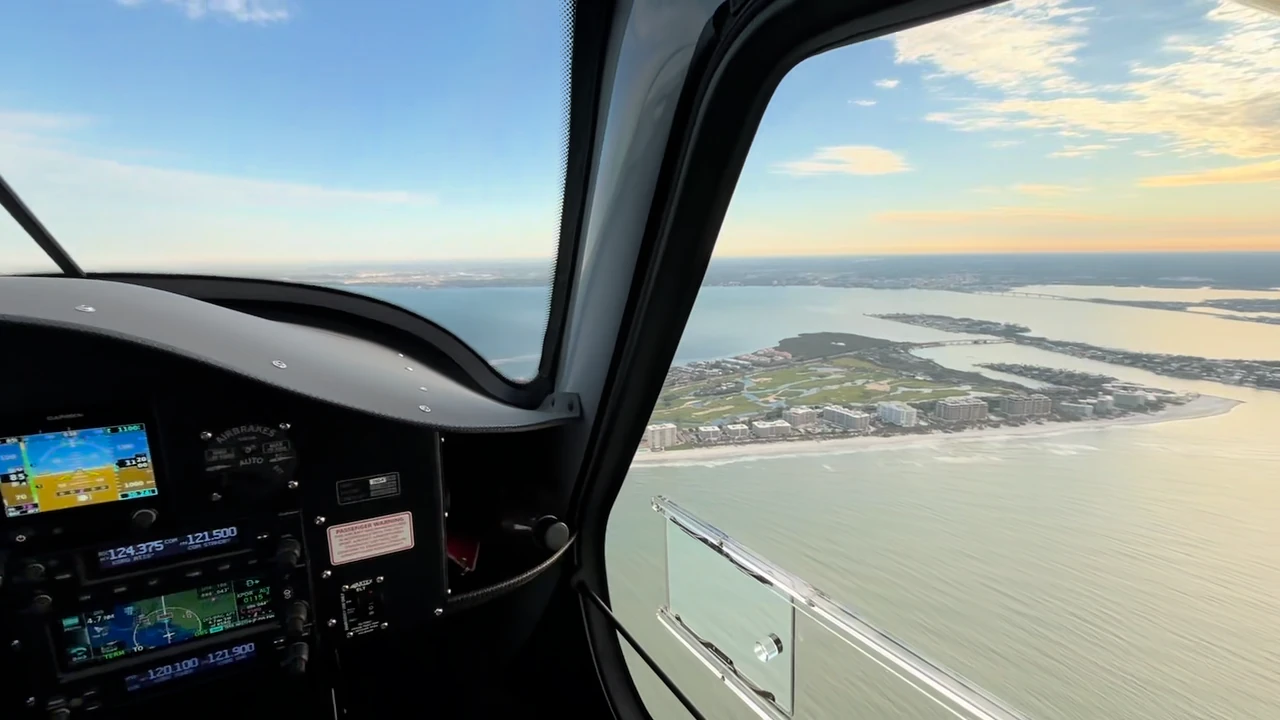
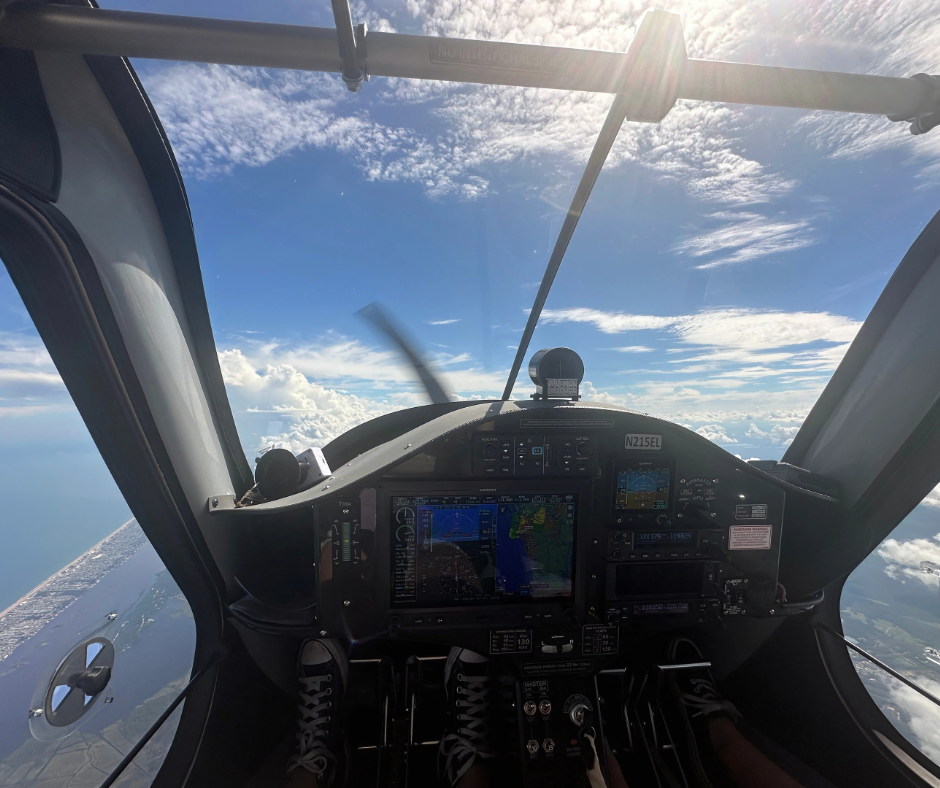
The airplane changes the lesson. Motion is real. Sound and vibration are real. Wind moves the aircraft. Other traffic affects timing. Air traffic control may change the plan. The runway picture develops in three dimensions instead of on a display.
This is why the “Fly It” stage remains essential. The simulator prepares the sequence; the aircraft develops real-world application and judgment.
Returning to the stabilized-approach example, you now have to recognize the same cues while managing the actual environment. The steps may feel familiar, but the timing and sensations are different. Your instructor can see whether the simulator practice transferred and where the next lesson should focus.
For a student working toward a Private Pilot Certificate, that transfer may involve basic aircraft control, traffic patterns, or emergency procedures. During Instrument Rating training, it may involve scan discipline, approach procedures, avionics management, and workload under instrument-reference conditions.
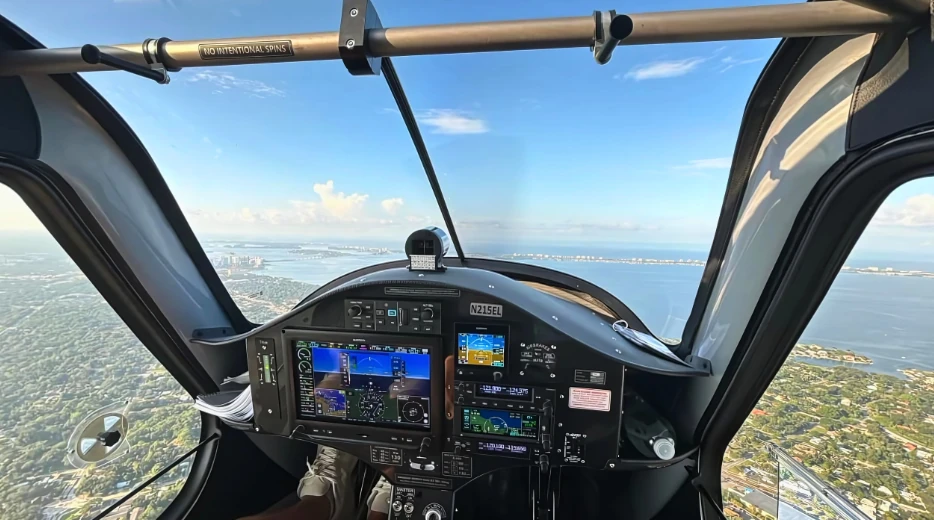
The aircraft adds motion, weather, traffic, radio work, and the judgment that only real flight can develop.
The Debrief Connects One Lesson to the Next
After the flight, the most useful question is not simply, “Did I do it?” It is which parts were ready, which parts became overloaded, and what should be repeated next.
Your instructor may identify that the procedure was solid but your attention narrowed when radio traffic increased. Or perhaps the aircraft control was improving, but the checklist flow needed more deliberate practice. That answer shapes the next ground discussion, simulator scenario, or flight.
This loop is one reason instructor continuity matters. When an instructor knows what you said, what you practiced in the simulator, and what happened in the airplane, feedback can stay connected instead of treating every lesson as a separate event. Our individualized training approach is built around understanding where each student is progressing and where more repetition will help.
A productive debrief turns performance into a plan. It also gives you clear study work between lessons rather than leaving you to guess what to review.
Where Simulator Practice Adds the Most Value
Simulation is especially useful when a lesson benefits from repetition, controlled setup, or the ability to stop and discuss a developing situation.
| Training situation | What the simulator helps you practice | What the aircraft adds |
|---|---|---|
| Traffic-pattern procedures | Configuration, checklist flow, callouts, and approach sequence | Wind, runway perspective, traffic, radio timing, and real landings |
| Instrument procedures | Scan, avionics setup, briefings, and procedure sequence | Aircraft motion, weather decisions, ATC changes, and real workload |
| Abnormal or emergency scenarios | Recognition, checklist discipline, and decision flow | Real aircraft handling, environmental cues, and operational judgment |
| Cockpit familiarization | Control locations, displays, and basic flows | Sound, vibration, control feel, and outside visual references |
The best use of a simulator depends on your current goal. A first-time student, an instrument student, and a licensed pilot maintaining proficiency will not need the same session. Our Sim Lab Memberships also provide recurring practice options for active students and licensed pilots.
If you are budgeting for training, include simulator, ground, and aircraft time in one plan instead of comparing only the aircraft rate. Our pilot financing resources outline options that may apply to qualified students and programs.
How to Make Your Simulator Session Count
Sitting in a simulator is not automatically productive. A good session has a defined objective and connects to the work you are doing before and after it.
Use these habits to get more from the lesson:
- Arrive knowing the objective
Be able to name the maneuver, procedure, or decision you are practicing. - Brief the sequence before starting
If you cannot explain the flow, slow down before adding motion. - Treat checklists and callouts seriously
Practice should reinforce the habits you want in the airplane. - Repeat the weak moment, not only the whole scenario
Focused repetition is one of simulation’s strongest advantages. - Write down the transfer goal
Leave knowing what you will look for when you perform the same work in flight.
Students exploring a professional path can use the same approach across multiple certificates and ratings. Our Career Pilot Program connects foundational training, advanced ratings, and instructor preparation within a structured progression.
The session should end with a clearer next action, not simply elapsed simulator time.
Flight Simulator Practice FAQs
Can simulator time count toward a pilot certificate or rating?
Some training in an approved aviation training device may count toward applicable FAA requirements. The amount and logging conditions depend on the device, certificate or rating, course, instructor involvement, and current rules. Contact our team to discuss how simulation fits your specific training plan.
Does simulator practice replace time in an aircraft?
No. The simulator supports focused practice, but the aircraft adds real motion, weather, traffic, radio work, control feel, and operational judgment. “Say It, Sim It, Fly It” works because the stages support one another.
Is the simulator only for instrument students?
No. Simulator practice can support cockpit familiarization, private pilot lessons, instrument procedures, advanced training, and proficiency work. The objective should match your experience and current program. You can explore our available flight training programs to see where your next lesson fits.
Can a simulator help lower the cost of training?
Simulation can create focused opportunities for repetition, but total training cost varies with your program, proficiency, schedule, aircraft time, instructor time, and other factors. Build your budget around the complete training plan and review available financing information early.
How often should simulator practice be used?
There is no universal schedule. Your instructor should place simulator sessions where they support the next learning objective, reinforce a weak area, or prepare you for a procedure you will apply in the aircraft.
Bring a Clearer Plan to Your Next Flight Lesson
The value of simulator practice is not the screen, the switches, or the ability to log another session. It is the connection between understanding and application.
You say the maneuver until the sequence makes sense. You simulate it until your instructor can focus the practice and correct weak points. Then you fly it, where the full environment asks you to put knowledge, control, and judgment together.
Contact Cirrus Aviation to talk through how “Say It, Sim It, Fly It” can fit your next stage of training.